
AI Wood Replacement
Swap the species of any product photograph while preserving geometry, joinery, hardware and lighting exactly as photographed.
Solutions
Every capability exists for one reason: to let a professional decide on a material before a board is cut. Nothing else in the image is allowed to change.
Swap the species of any product photograph while preserving geometry, joinery, hardware and lighting exactly as photographed.
Preview crown cut, quarter sawn, rift and book-matched veneer layouts across full cabinet fronts before slicing a leaf.
Evaluate all nine supported finishes — natural, matte, satin, gloss, brushed, wire brushed, smoked, bleached and burnt — on the same piece in the same light.
Apply a material scheme across an entire cabinet run, with consistent grain direction from door to door.
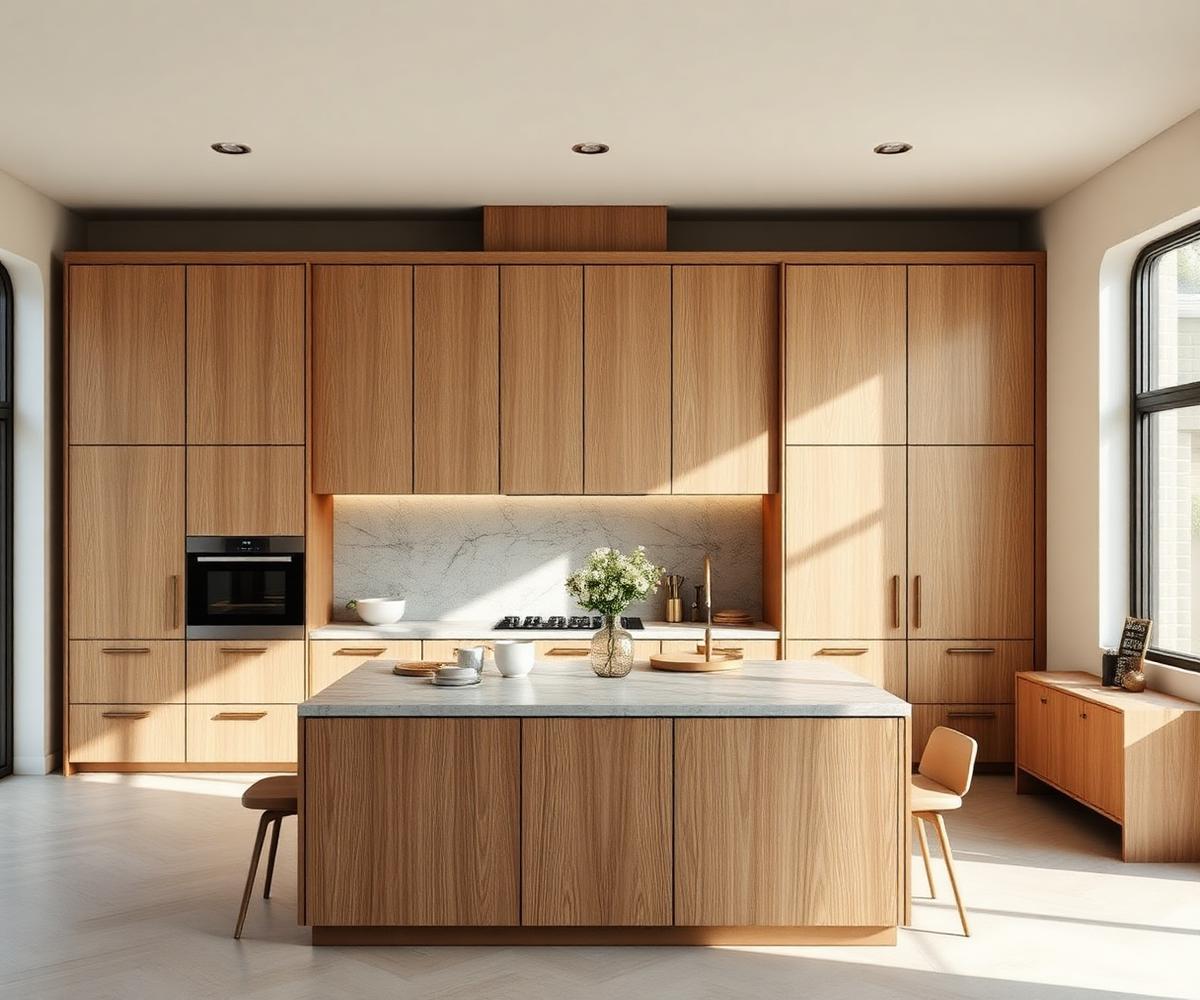
Full kitchen scenes — tall units, islands, panelling — updated as one coherent material decision.
Upload your own veneer scan or board photograph and use it as a species inside the studio.
Continue grain flow across adjacent panels and drawer fronts the way a veneer workshop would.
Place up to six variants side by side, annotate them and export a material collection for client sign-off.
AI transparency
Results produced by TGP24 are AI-generated images. They are a design aid and do not reproduce a physical sample. Final material approval should always be made against a physical sample.
Every result you view or export carries the visible label “AI-generated visualisation — TGP24”, and every generated file is marked as AI-generated in a machine-readable format — C2PA content credentials where available, and as a minimum XMP/EXIF metadata declaring the digital source type trainedAlgorithmicMedia together with the software name. This marking is applied automatically on export and is not removed.
See the Terms of Service and the Acceptable Use Policy for your obligations when sharing generated visuals.
For studios and manufacturers
Today the studio works the same way for a single joiner and for a large workshop: upload a photograph, choose a species and a finish, export a client-ready result. Credits are shared across everyone using the account.
On the roadmap
These are not available yet and we do not commit to a release date. Tell us what matters most and we will factor it in.
Questions
You buy credits once — one credit costs €0.10 and the smallest order is 50 credits. Inside your account you then purchase each service individually, from a single wood preview to a complete interior.
No. There is nothing to subscribe to and nothing expires on a monthly cycle. You hold credits and spend them service by service, whenever a project needs them.
Card payment through Stripe Checkout is available today — Visa, Mastercard and American Express on a secure hosted page, in euro, dollar, pound or złoty. Bank transfer and PayPal are on the roadmap, with no release date yet.
As soon as the card payment is confirmed — usually within moments. The payment stays visible in your dashboard.
Eight species — European Oak, American Walnut, Smoked Ash, Hard Maple, American Cherry, Burmese Teak, Mahogany and Ebony — and nine finishes: natural, matte, satin, gloss, brushed, wire brushed, smoked, bleached and burnt.
Never. Proportion, joinery, hardware, daylight and reflection stay exactly as photographed. Only the species and the finish change.
Yes. Send a scan or a high resolution photograph of the leaf and we turn it into a reusable material inside your studio library.